
Uizard AI: Design Stunning UIs in Minutes
Design GeneratorsDescription
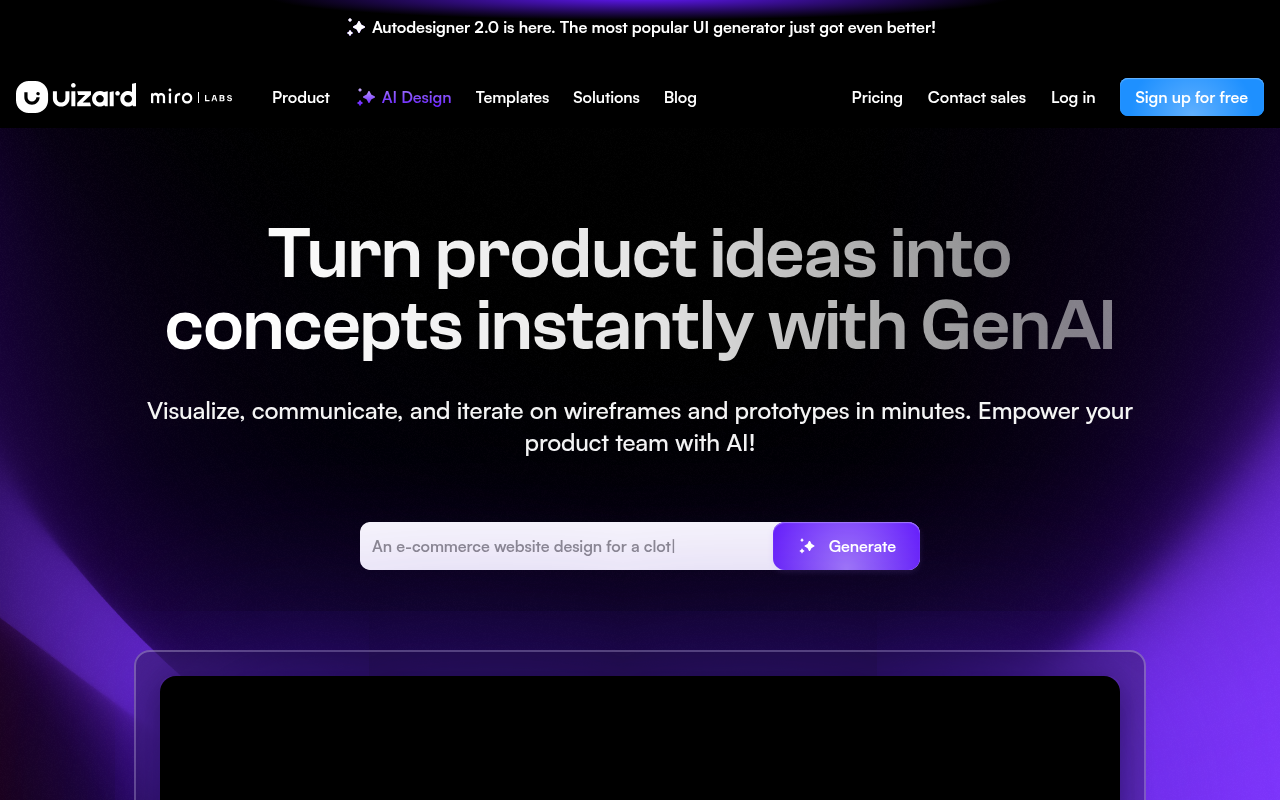
UI design for apps, websites, and desktop software in minutes. If you can use Google Slides or PowerPoint, you can use Uizard!
Website Preview
Click to view full size
About This Website
Uizard AI: UI Design for Everyone
Uizard is an AI-powered UI design tool that aims to make design accessible to everyone, regardless of their experience level. It provides a user-friendly platform where you can create beautiful and functional designs for apps, websites, and desktop software, often in a fraction of the time compared to traditional design methods. Uizard's strength lies in its intuitive interface and AI-driven features that handle many of the repetitive and complex tasks associated with UI design. It's designed to be as easy to use as programs like Google Slides or PowerPoint, making it a great choice for beginners, entrepreneurs, and even seasoned designers looking to speed up their workflow. Uizard boasts cross-platform accessibility, allowing users to access and work on their projects from any device with a web browser.
Key Features
- AI Design Assistant: Uizard provides an AI-powered design assistant that can generate UI components, suggest design improvements, and even automatically create entire screens based on your prompts.
- Wireframing and Prototyping: Easily create interactive prototypes and wireframes. Link screens together, add animations, and simulate user flows to test your designs' usability.
- Design System Generation: Uizard can automatically generate a design system based on your existing designs. This helps ensure consistency and makes it easier to manage and update your UI across different projects.
- Screen Capture & Conversion: Upload images or screenshots of existing designs, and Uizard uses AI to convert them into editable Uizard projects. This is an invaluable tool for quickly iterating existing designs.
- Component Library: Access a library of pre-designed UI components, including buttons, forms, navigation bars, and more. These components are fully customizable and can be easily integrated into your projects.
Pros & Cons
| Pros | Cons |
|---|---|
| ✓ Easy to learn and use for beginners | ✗ Relies on a stable internet connection. |
| ✓ AI-powered features significantly speed up design time | ✗ AI design suggestions might not always be perfect. |
| ✓ Excellent for prototyping and testing user flows | ✗ Limited advanced design features compared to industry staples. |
| ✓ Generates Design Systems | ✗ Free plan has limited project capacity. |
Who is Using Uizard AI?
Uizard is popular with a wide range of users, including:
- Entrepreneurs and Startups: Quickly create prototypes and mockups to validate their ideas and secure funding.
- Product Managers: Design and test new features and user flows.
- UX/UI Designers: Streamline their workflow and generate design systems.
- Developers: Collaborate with designers and easily export design assets.
- Educators and Students: A simple and accessible way to learn the fundamentals of UI design.
- Uncommon Usage: Some companies have used Uizard to create interactive training simulations, or build internal dashboards that are visually more appealing without hiring additional UI designers.
Pricing
Uizard offers a tiered pricing structure, typically including a free plan with limited features, as well as paid plans that unlock more advanced features, project capacity, and collaboration options. Paid tiers may include options such as "Pro", "Business," and "Enterprise". Prices tend to range from a small monthly free for individuals and scale up for teams and larger businesses. Be sure to visit the Uizard website for the most up-to-date and accurate pricing details as they are subject to change.
What Makes Uizard AI Unique?
Uizard's unique selling point is its focus on AI-powered design assistance. It's not just a design tool; it's an AI-powered co-designer that helps you generate ideas, automate repetitive tasks, and create better designs in less time. The ability to convert screenshots into editable designs and automatically generate design systems are also standout features that set Uizard apart from its competitors.
How We Rated It
| Category | Score (1-5) |
|---|---|
| Accuracy and Reliability | 4 |
| Ease of Use | 5 |
| Functionality and Features | 4 |
| Performance and Speed | 4 |
| Customization and Flexibility | 3.5 |
| Data Privacy and Security | 4 |
| Support and Resources | 4 |
| Cost-Efficiency | 4.5 |
| Integration Capabilities | 3 |
| Overall Score | 4 |
Summary
Uizard AI is a compelling UI design tool that democratizes design and empowers users of all skill levels to create stunning interfaces. It particularly benefits entrepreneurs, startups, and anyone who needs to quickly prototype and validate design ideas. With its intuitive interface and AI-driven features, Uizard stands out as a user-friendly and efficient solution for UI design, making it a standout AI tool in its category.
Similar Tools
Generate beautiful custom isometric skeuomorphic icons inspired by Airbnb's new ...
EditAI helps teachers create engaging, problem-based learning (PBL) content alig...
Share your designs with your clients and your team to get feedback on websites, ...
Get access to a library of the highest quality 3D content and create virtual wo...
Featured Links
Unlock back-tested predictive leading trading indicators on real-time charts. Tr...