
Spline: Your Go-To Web-Based 3D Design Tool
Design GeneratorsDescription
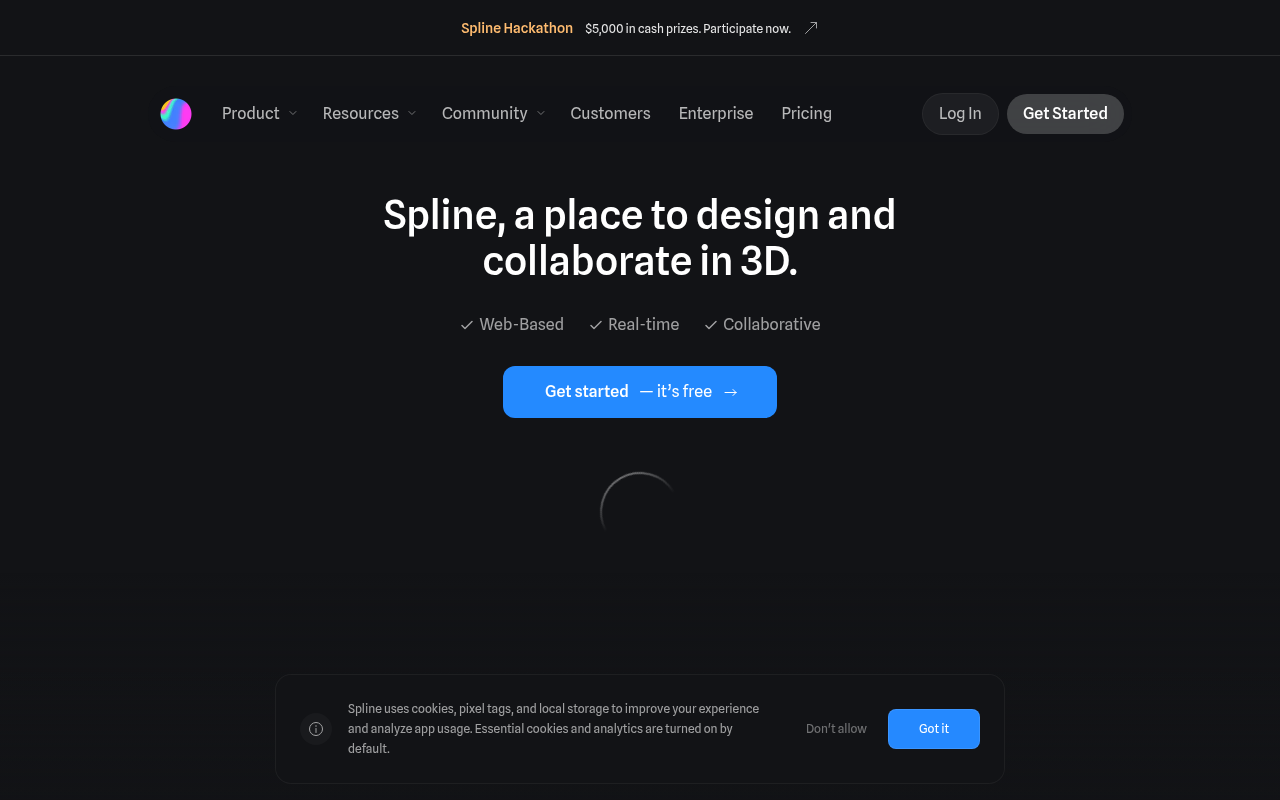
Spline is a free 3D design software with real-time collaboration to create web interactive experiences in the browser. Easy 3d modeling, animation, textures, and more.
Website Preview
Click to view full size
About This Website
What is Spline?
Spline is a user-friendly, web-based 3D design tool that empowers creators to build interactive experiences directly in their browsers. Targeted towards designers, developers, and anyone interested in 3D creation, Spline offers a simplified approach to 3D modeling, animation, and interaction design. Its AI-powered capabilities streamline various aspects of the design process, making it accessible to both beginners and experienced professionals. Spline stands out with its cross-platform functionality, allowing users to work seamlessly on any device with a web browser.
Key Features
-
Real-Time Collaboration: Spline allows multiple users to work on the same project simultaneously. This fosters teamwork and speeds up the design workflow.
-
Intuitive 3D Modeling: The platform provides a range of easy-to-use tools for creating and manipulating 3D objects. Its intuitive interface makes 3D modeling accessible to users of all skill levels.
-
Advanced Animation Capabilities: Spline simplifies the animation process with keyframe animation, timelines, and various animation effects. You can bring your 3D models to life with dynamic movement and interactions.
-
Material and Texturing: Spline provides extensive options for materials and textures, that allow you to add depth and realism to your 3D models. Customize the appearance of your creations with different colors, textures, and visual effects.
-
Web Export and Integration: Spline projects can be easily exported and embedded into websites, applications, or other digital platforms. This feature facilitates a smooth transition from design to deployment.
Pros and Cons
| Pros | Cons |
|---|---|
| ✓ Web-based and accessible from any device | ✗ Advanced features may be limited for experienced 3D artists |
| ✓ Real-time collaboration boosts teamwork effectiveness | ✗ Requires a stable internet connection |
| ✓ An Intuitive interface simplifies 3D design for novices | ✗ Exporting complex designs may be resource-intensive |
| ✓ Streamlined workflow from design to web integration |
Who is Using Spline?
Spline is used by a diverse range of individuals and organizations. Typical users include:
- Web Designers: Creating interactive 3D elements for websites.
- Game Developers: Prototyping and designing 3D assets for games.
- Marketing Professionals: Producing engaging 3D visuals for advertising campaigns.
- Educators: Teaching 3D design principles in an accessible environment.
Uncommon or creative use cases include artists using Spline for digital art installations, and architects utilizing it to quickly visualize building designs.
Pricing
Spline offers different pricing plans, including a free plan with limited features. Paid plans provide access to more advanced functionalities, increased storage, and collaboration options. As of this review, their pricing varies depending on if you are an individual or a team. Please visit their website for the most current pricing information, as it is subject to change.
What Makes Spline Unique?
Spline’s unique selling points lie in its accessibility and web-first approach. Unlike traditional 3D software, Spline operates entirely within a web browser, eliminating the need for complex installations or powerful hardware. Its real-time collaboration features and intuitive interface make it a standout choice for teams and individuals seeking a simplified 3D design experience. The AI-powered features also streamlines common 3D design workflows.
How We Rated It
| Category | Rating (out of 5) |
|---|---|
| Accuracy and Reliability | 4 |
| Ease of Use | 5 |
| Functionality and Features | 4 |
| Performance and Speed | 4 |
| Customization/Flexibility | 3 |
| Data Privacy and Security | 4 |
| Support and Resources | 4 |
| Cost-Efficiency | 5 |
| Integration Capabilities | 4 |
| Overall Score | 4.1 |
Summary
Spline is an excellent AI-enhanced 3D design tool for anyone who wants to create interactive 3D experiences without the complexity of traditional software. Its web-based platform, real-time collaboration, and intuitive interface make it a standout choice for designers, developers, and educators alike. Spline particularly benefits users who need a quick and easy way to create 3D models for web integration, making it a valuable tool for enhancing online content and user experiences.
Similar Tools
Generate beautiful custom isometric skeuomorphic icons inspired by Airbnb's new ...
EditAI helps teachers create engaging, problem-based learning (PBL) content alig...
Share your designs with your clients and your team to get feedback on websites, ...
Get access to a library of the highest quality 3D content and create virtual wo...
Featured Links
Unlock back-tested predictive leading trading indicators on real-time charts. Tr...