
Smartsheet Review: AI-Powered Work Management for Modern Teams
WorkflowsDescription
Personalize workflows, predict outcomes, and move faster with Smartsheet – a platform built for the way you work.
Website Preview
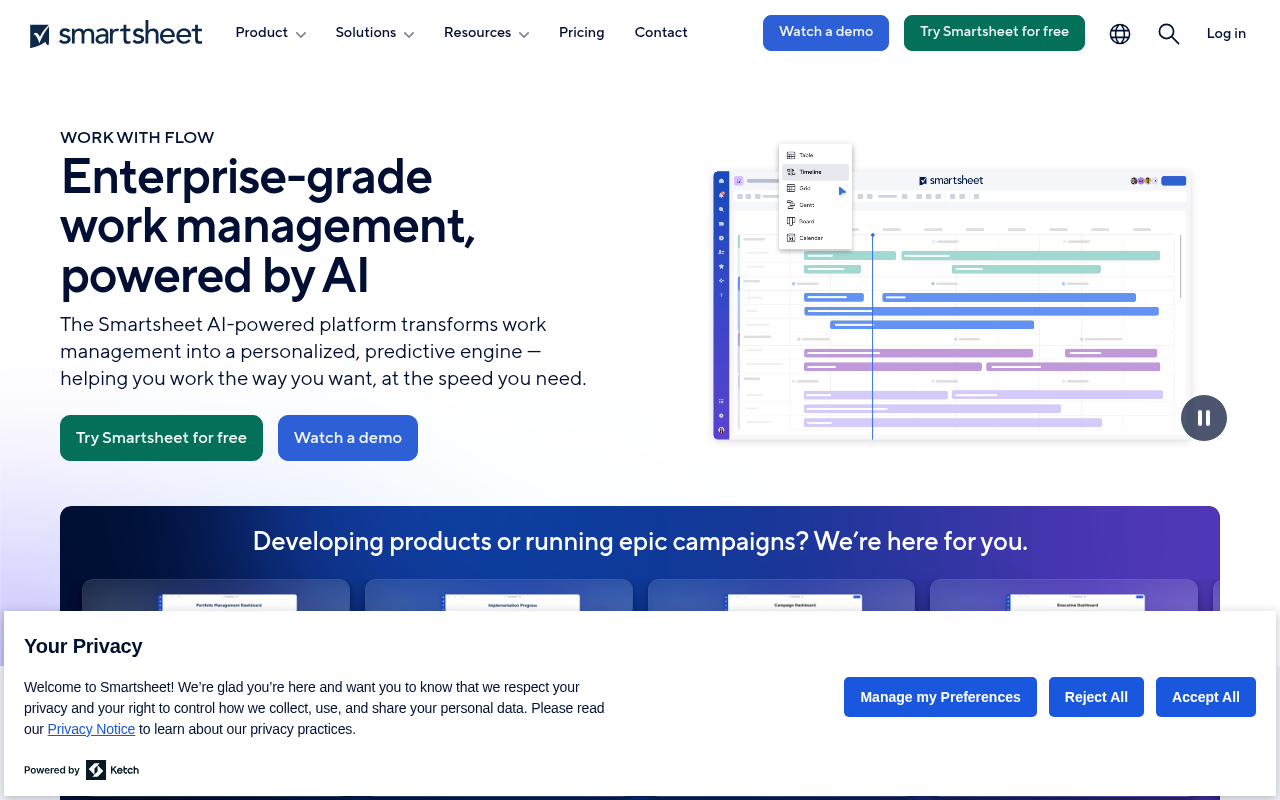
Click to view full size
About This Website
What is Smartsheet?
Smartsheet is a dynamic work management and automation platform designed to help teams of all sizes plan, track, automate, and report on work. It leverages AI to personalize workflows and predict outcomes, enabling users to move faster and more effectively. It caters to a wide range of users, from individual project managers to large enterprise teams. With its spreadsheet-like interface combined with robust collaboration and automation features, Smartsheet provides a powerful and flexible solution for managing projects, processes, and tasks, even across different operating systems allowing for easy cross platform usability.
Key Features
- AI-Powered Automation: Smartsheet utilizes AI to automate repetitive tasks, streamline workflows, and predict potential bottlenecks. This allows users to focus on more strategic and creative work.
- Real-time Collaboration: Multiple users can simultaneously access and edit sheets, fostering seamless collaboration and ensuring everyone is on the same page. Real-time updates and notifications keep team members informed of progress and changes.
- Customizable Dashboards and Reports: Create visually engaging dashboards and reports to track key metrics, monitor progress, and make data-driven decisions. Users can tailor these dashboards to meet their specific needs and reporting requirements.
- Project & Task Management: Organize projects and tasks, assign responsibilities, set deadlines, and track progress in a central, easy-to-understand interface. Smartsheet supports various project management methodologies, including Gantt charts and Kanban boards.
- Forms and Data Collection: Streamline data collection with customizable forms that can be easily shared and integrated with Smartsheet. This feature is ideal for gathering feedback, managing requests, and automating data entry.
Pros and Cons of Smartsheet
| Pros | Cons |
|---|---|
| ✓ User-friendly interface with a familiar spreadsheet feel. | ✗ Can become costly for large teams with complex needs. |
| ✓ Robust automation capabilities save time and improve efficiency. | ✗ Steeper learning curve for advanced features and integrations. |
| ✓ Excellent collaboration features for distributed teams. | ✗ Limited offline functionality compared to desktop apps. |
| ✓ Highly customizable to fit various workflows and project types. | ✗ Dependence on internet connectivity for real-time collaboration. |
Who is Using Smartsheet?
Smartsheet is used by a diverse range of professionals, including project managers, marketing teams, operations managers, and IT departments. Typical use cases include project management, task tracking, event planning, content calendars, and sales pipeline management.
Creative use cases include:
- Nonprofit organizations: Managing volunteer efforts and tracking donations.
- Construction companies: Tracking project costs, scheduling subcontractors, and managing site safety.
- Educational Institutions: Coordinating research projects and managing student enrollment.
Pricing
Smartsheet offers various pricing plans to suit different needs. A free plan with limited features is available. Paid plans, which offer more advanced features and storage, typically start with a per-user, per-month fee billed annually. There are usually team and enterprise plans available with different levels of support and functionality. Note that the exact pricing and features included in each plan may change, so it's always best to check the Smartsheet website for the most up-to-date information.
What Makes Smartsheet Unique?
Smartsheet’s unique selling point lies in its combination of a familiar spreadsheet interface with powerful AI tools and automation capabilities. This makes it accessible to a wide range of users while still providing the depth and functionality needed for complex projects. Its emphasis on collaboration and real-time updates further sets it apart from traditional project management software by creating centralized, accessible hubs for team projects.
How We Rated It
| Category | Rating (1-5) |
|---|---|
| Accuracy and Reliability | 4 |
| Ease of Use | 4 |
| Functionality and Features | 5 |
| Performance and Speed | 4 |
| Customization and Flexibility | 5 |
| Data Privacy and Security | 4 |
| Support and Resources | 4 |
| Cost-Efficiency | 3 |
| Integration Capabilities | 4 |
| Overall Score | 4.1 |
Summary
Smartsheet is an excellent AI-powered work management solution, especially for teams that value collaboration, flexibility, and ease of use. While the cost can be a factor for larger teams, its robust features and automation capabilities make it a worthwhile investment for organizations looking to streamline their workflows and improve project outcomes. It stands out in its category due to its versatile spreadsheet-like interface, powerful AI features and wide range of integrations tailored for multiple industries and functions.
Similar Tools
Empower your business with UiPath automation platform. Leverage agentic automati...
Discover Outreach, the AI sales execution platform. Elevate your sales strategy,...
Featured Links
Unlock back-tested predictive leading trading indicators on real-time charts. Tr...