
Make: Supercharge Your Workflow with AI Automation
MarketingDescription
Website Preview
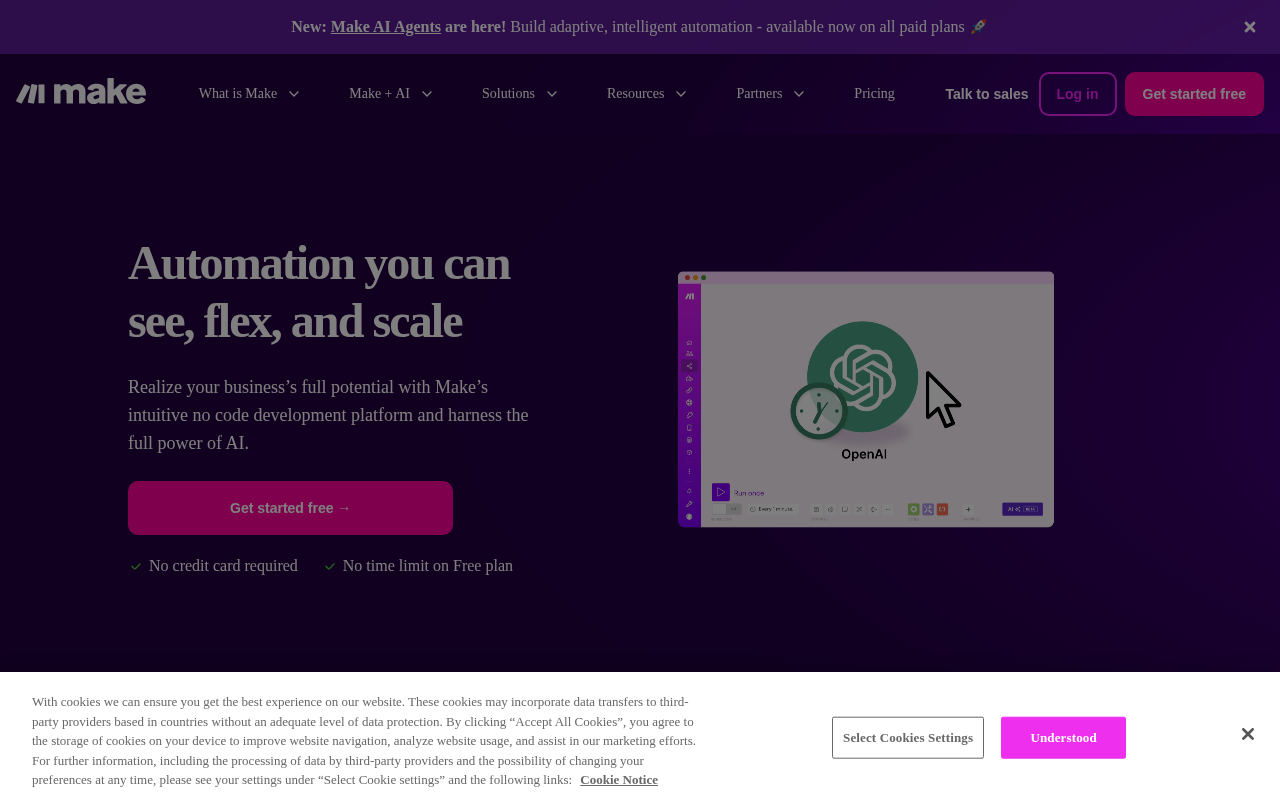
Click to view full size
About This Website
Streamline Your Business with Make
Make is a powerful visual platform designed to automate workflows and integrate various apps and services without requiring coding knowledge. Its purpose is to help businesses and individuals streamline their operations, saving time and resources by automating repetitive tasks. Powered by AI, Make intelligently connects different applications and automates data transfers, enriching workflows and boosting productivity for its users.
The platform targets a wide range of users, from small business owners and freelancers to enterprise-level organizations, particularly those who want to improve efficiency, reduce manual data entry, and seamlessly connect their favorite apps. One of the strong advantages of Make is its availability across multiple platforms through a web browser, ensuring access from various devices anywhere with an internet connection.
Key Features
- Visual Scenario Builder: Make's drag-and-drop interface is intuitive, allowing users to design automated workflows called "Scenarios" visually. This visual approach simplifies the automation process, making it accessible to all technical levels.
- App Integrations: Make boasts an extensive library of integrations with popular apps and services like Google Workspace, Slack, Salesforce, and many more. It simplifies the process of connecting these tools and automating data flow between them.
- Custom Connections with APIs: Beyond pre-built integrations, Make allows users to create custom connections to virtually any app or service with an available API, opening up endless possibilities for tailored automations.
- Real-time Monitoring: It provides real-time monitoring and error handling features, giving users insight into the performance and status of their automated workflows. This level of transparency ensures that issues are quickly identified and resolved.
- Data Transformation: Make offers built-in tools for transforming data as it moves between apps. It can manipulate, filter, and format data to adapt to the requirements of different systems.
Pros & Cons
| Pros | Cons |
|---|---|
| ✓ Visual, no-code interface for easy workflow creation. | ✗ Pricing can become complex and expensive for high usage scenarios. |
| ✓ Wide range of integrations with popular apps and services. | ✗ Steeper learning curve for complex workflows implementation. |
| ✓ Ability to create custom connections via APIs. | ✗ Occasional delays in triggering scenarios. |
| ✓ Real-time monitoring and error handling. | |
| ✓ Powerful data transformation and manipulation tools. |
Who is Using Make?
Make is used by various user groups, including marketing teams automating email campaigns, e-commerce businesses streamlining order fulfillment, and project managers automating task assignments. Creative use cases include automating social media content scheduling, integrating IoT devices for home automation, and creating personalized learning experiences for online courses.
Pricing
Make offers a range of pricing plans, including a free tier with limited operations and features. Paid plans offer more operations, advanced features, and dedicated support. Pricing scales based on the number of operations performed, so costs can vary depending on the complexity and frequency of your automations. Note: Pricing details can change, so it's best to check the Make website for the most up-to-date information.
What Makes Make Unique?
Make's visual, no-code approach sets it apart from traditional integration platforms. It's more intuitive and easier to learn than many of its competitors. The combination of an intuitive visual designer with extensive integration capabilities allows users to build complex automations without any coding expertise.
How We Rated It
| Category | Rating (1-5) |
|---|---|
| Accuracy and Reliability | 4 |
| Ease of Use | 4.5 |
| Functionality and Features | 5 |
| Performance and Speed | 4 |
| Customization and Flexibility | 4.5 |
| Data Privacy and Security | 4 |
| Support and Resources | 4 |
| Cost-Efficiency | 3.5 |
| Integration Capabilities | 5 |
| Overall Score | 4.25 |
Summary
Make is a standout AI tool in the automation category because it allows users of all technical levels to automate complex workflows. It particularly benefits businesses and individuals looking to improve efficiency by connecting various applications and automating routine tasks. Its intuitive visual interface and comprehensive feature set make it a strong contender for anyone seeking to streamline their operations.
Similar Tools
The Chosen AI Headshot Generator for realistic professional AI headshots in 4k q...
WorldPress is a platform that simplifies the process of creating and distributin...
Starbuzz is an influencer marketing platform that enables brands to save 50% of ...
Discover Charlie Lounge: Your all-in-one AI platform to automate tasks, boost bu...
Featured Links
Unlock back-tested predictive leading trading indicators on real-time charts. Tr...