
Gling AI: Revolutionizing YouTube Video Editing with AI
Video GeneratorsDescription
Gling’s AI video editing software is designed for YouTube creators. Optimize your workflow by automatically cutting out bad takes, silent moments, filler words, and background noise, ensuring your content is polished and engaging.
Website Preview
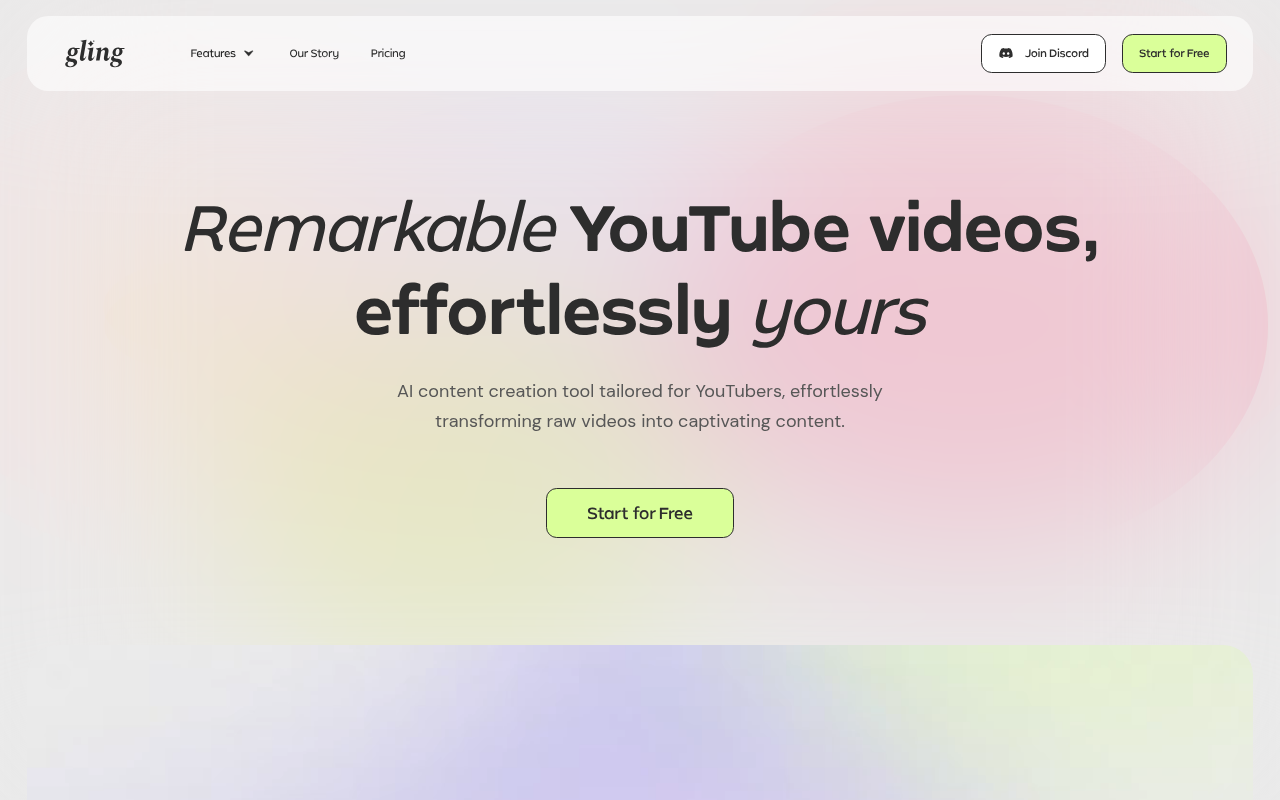
Click to view full size
About This Website
Gling AI: The Smartest Way to Edit Your YouTube Videos
Gling AI is an AI-powered video editing software tailored specifically for YouTube creators. It promises to streamline your workflow by automating tedious editing tasks, making your content more engaging and polished. Think of it as your AI editing assistant, designed to save you time and effort. The software analyses your video and automatically cuts out unwanted segments like awkward pauses, silent moments, filler words (umms and ahhs), and distracting background noise. Gling is designed to make video editing accessible, even if you have very little experience. While primarily a web application, ensuring compatibility across operating systems, it directly addresses the most common complaint of video creators: the time-consuming editing process.
Key Features
Gling AI focuses on a few core features to deliver maximum value:
- Automatic Cut Detection: Gling utilizes AI to identify and remove silent gaps, filler words, and other unwanted parts of your video, significantly reducing editing time.
- Noise Reduction: Say goodbye to distracting background noise. Gling automatically cleans up your audio, ensuring clear and professional sound quality.
- Transcription and Subtitles: Gling can automatically transcribe your video, making it easy to create subtitles or captions for accessibility and increased viewership.
- Quick Export: After editing, Gling provides a streamlined export process directly to YouTube or your computer, with optimized settings for online video.
Pros & Cons
| Pros | Cons |
|---|---|
| ✓ Significant time savings in editing. | ✗ Reliance on AI may require some manual tweaking for perfect results. |
| ✓ Improved video quality with noise reduction and clean cuts. | ✗ Internet connection is required as it is a web-based application. |
| ✓ User-friendly interface suitable for beginners. | ✗ Limited advanced editing features compared to professional software. |
| ✓ Affordable pricing plans. |
Who is Using Gling AI?
The primary target audience is definitely YouTube content creators, particularly those who are new to video editing or want to speed up their workflow. This includes vloggers, tutorial creators, gamers, and anyone who regularly uploads videos to YouTube. However, Gling can also be helpful for:
- Small business owners: Creating promotional videos without a professional editor.
- Educators: Editing online lectures and instructional content.
- Social Media Managers: Quickly creating engaging video content for various platforms.
- Podcast Creators: Repurposing audio content into engaging video clips.
Pricing
Gling AI offers a tiered pricing structure, typically including a free plan with limited features and video processing time (usually has a Gling watermark). Paid plans unlock additional features like longer video processing limits, higher resolution exports, and no watermarks. Expect to see prices per month or annual options, generally based on the amount of video processed. Free Plan: Limited video processing time (includes watermark) Basic Plan: Offers increased length and no watermark Pro Plan: Offers the most video time allowance Pricing is subject to change, it's advisable to check the website for the most current details.
What Makes Gling AI Unique?
Gling stands out due to its laser focus on simplicity and automation for YouTube creators. Unlike traditional video editing software that can be complex and time-consuming, Gling prioritizes ease of use and AI-powered features. Its AI capabilities for automatically removing silences, filler words, and noise, combined with a user-friendly interface, set it apart from more general-purpose video editing tools. The direct integration with YouTube also streamlines the content creation process.
How We Rated It
| Criteria | Rating (1-5) |
|---|---|
| Accuracy and Reliability | 4 |
| Ease of Use | 5 |
| Functionality and Features | 3.5 |
| Performance and Speed | 4 |
| Customization and Flexibility | 2.5 |
| Data Privacy and Security | 4 |
| Support and Resources | 3 |
| Cost-Efficiency | 4.5 |
| Integration Capabilities | 4 |
| Overall Score | 3.7 |
Summary
Gling AI is a valuable tool for YouTube creators of all skill levels who want to streamline their video editing process. While it may not offer the advanced features of professional editing suites, its AI-powered automation, ease of use, and affordable pricing make it a standout choice for anyone looking to save time and improve the quality of their YouTube videos. New creators will find it particularly helpful, but even experienced video editors can benefit from its speed and efficiency.
Similar Tools
Generate social media videos in 2 minutes with your AI Avatar
Free video editing tool everyone can use. Get started in your browser, download ...
Create lifelike AI video from your photos with VisionStory. Utilize features lik...
Featured Links
Unlock back-tested predictive leading trading indicators on real-time charts. Tr...