
Galileo AI Review: Design Made Easy with AI
WorkflowsDescription
Website Preview
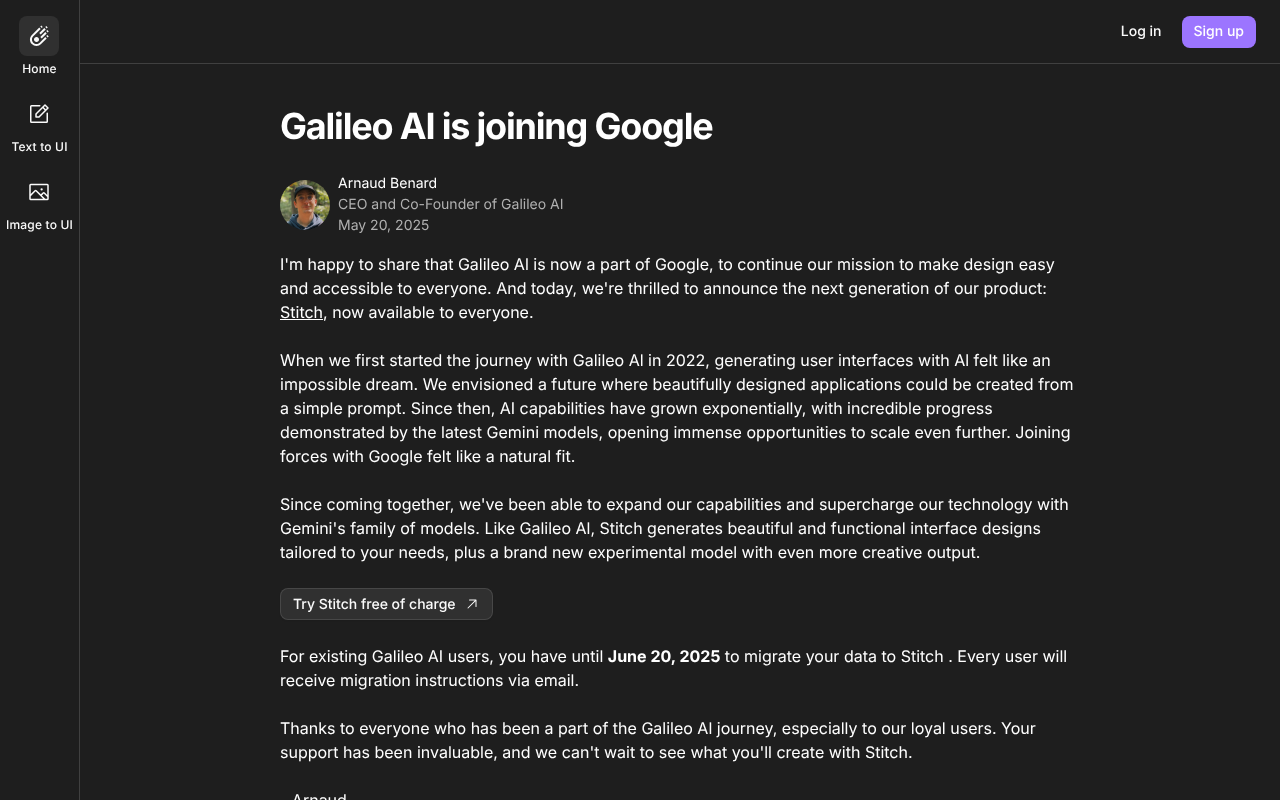
Click to view full size
About This Website
Galileo AI: Revolutionizing Design with Artificial Intelligence
Galileo AI is an innovative AI design tool that empowers users to create stunning and functional user interfaces (UI) rapidly. Its purpose is to streamline the design process, allowing designers and non-designers alike to generate impressive designs with minimal effort. With its AI-powered capabilities, Galileo AI analyzes design inputs and suggests elegant solutions, automates tedious tasks, and accelerates the entire design workflow. This tool primarily targets UI/UX designers, product managers, startup founders, and anyone who needs to create visually appealing and effective interfaces. Currently, it operates primarily as a web-based application accessible across different operating systems.
Key Features
- AI-Powered Design Suggestions: Galileo AI uses its sophisticated models to suggest relevant and aesthetically pleasing design elements based on user input. Simply describe your desired interface, and the AI generates multiple design options.
- Component Generation: The tool automatically creates UI components, like buttons, forms, and navigation bars, based on your descriptions, significantly speeding up the prototyping phase.
- Design Variations: Galileo AI allows users to rapidly generate variations of existing designs, exploring different styles and layouts with a single click. This enables A/B testing of multiple designs to identify the most effective option.
Pros & Cons
| Pros | Cons |
|---|---|
| ✓ Speeds up design workflow significantly. | ✗ Output quality relies heavily on the clarity of user prompts. |
| ✓ Accessible for users with varying levels of design skills. | ✗ Limited design control compared to traditional design software. |
| ✓ Fosters design exploration and iteration. | ✗ Dependence on an internet connection for operation. |
Who is Using Galileo AI?
Galileo AI attracts a diverse range of users. UI/UX designers leverage it for rapid prototyping and inspiration. Product managers utilize it to create mockups for new features, and startup founders use it to quickly visualise their product ideas without hiring a dedicated designer. Beyond these typical users, Galileo AI is also finding its way into the hands of marketers who need to create landing pages and visual content without specialized design skills. Uncommon use cases include educators who use it to teach UI/UX principles and developers who create quick front-end prototypes.
Pricing
Galileo AI offers a tiered pricing structure, typically including a free plan with limited features and usage, as well as paid plans that unlock more features, higher usage limits, and priority support. The paid plans usually scale based on the number of projects or users. It is crucial to visit the official website for the most up-to-date pricing information, as plans and costs can change.
Disclaimer: Pricing is subject to change. Please refer to the official Galileo AI website for the latest information.
What Makes Galileo AI Unique?
What truly sets Galileo AI apart is its natural language input system, allowing users to describe interfaces in plain English, rather than relying on complex design tools only. This barrier of entry is significantly lower compared to traditional software. Its focus on AI-driven suggestions fosters creativity and makes design exploration incredibly easy. The AI-powered workflow is its USP.
How We Rated It
| Category | Rating (1-5) |
|---|---|
| Accuracy and Reliability | 4 |
| Ease of Use | 5 |
| Functionality and Features | 4 |
| Performance and Speed | 4 |
| Customization and Flexibility | 3 |
| Data Privacy and Security | 4 |
| Support and Resources | 3 |
| Cost-Efficiency | 4 |
| Integration Capabilities | 3 |
| Overall Score | 4 |
Summary
Galileo AI is a powerful tool for anyone looking to accelerate their UI design workflow. Its intuitive interface and AI-driven features make it an excellent choice for designers of all skill levels, as well as non-designers seeking to create professional-looking interfaces. For UI/UX designers and product managers needing rapid prototyping, Galileo AI is an efficient solution.
Similar Tools
Empower your business with UiPath automation platform. Leverage agentic automati...
Discover Outreach, the AI sales execution platform. Elevate your sales strategy,...
Featured Links
Unlock back-tested predictive leading trading indicators on real-time charts. Tr...