
Figma Review: Design, Collaborate, and Prototype in One Place
Project ManagementDescription
Figma is the leading collaborative design tool for building meaningful products. Seamlessly design, prototype, develop, and collect feedback in a single platform.
Website Preview
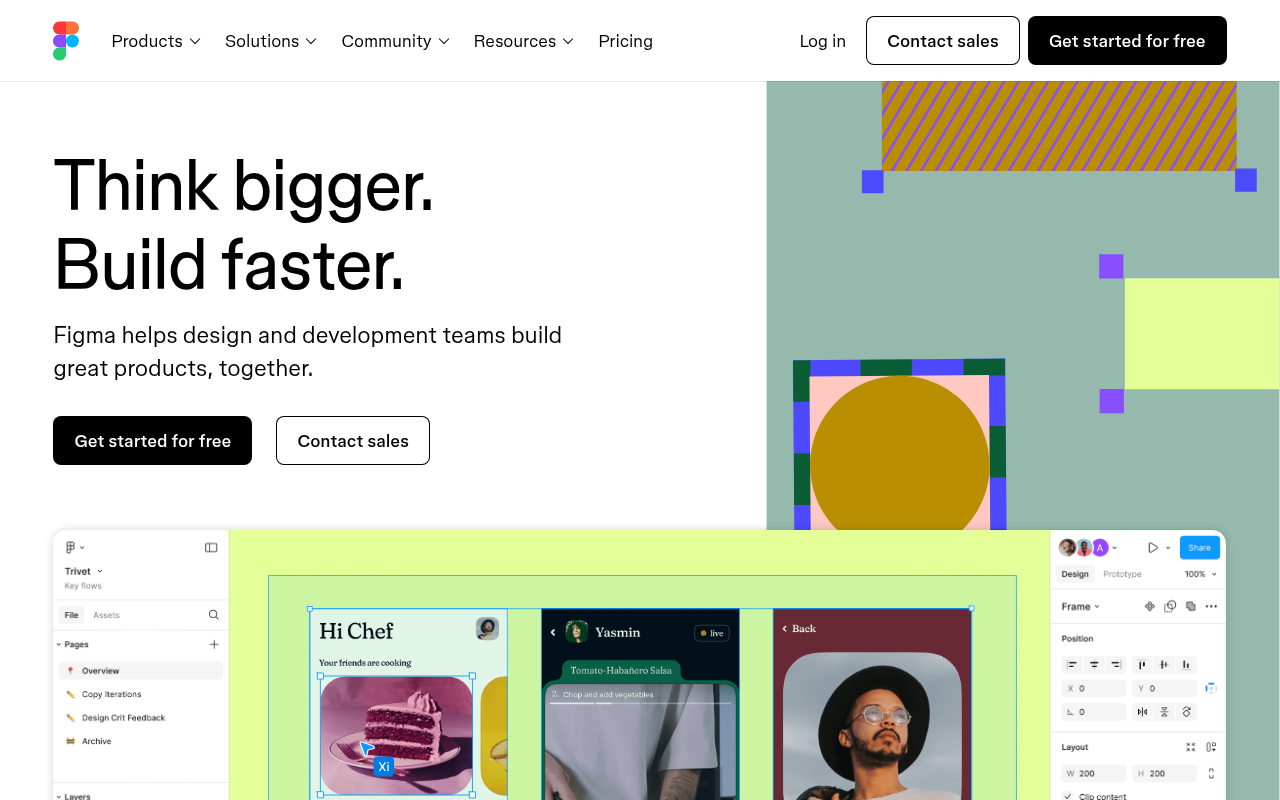
Click to view full size
About This Website
What is Figma?
Figma is a web-based collaborative design tool that's revolutionizing how teams create digital products. It empowers designers, developers, and stakeholders to seamlessly design, prototype, and gather feedback all within a single, unified platform. Unlike traditional design software, Figma lives in the cloud, enabling real-time collaboration and accessibility across different operating systems. This cross-platform advantage means users on Windows, macOS, or even Linux can all work together on the same project, eliminating frustrating compatibility issues. Figma's AI-powered capabilities include features like auto layout, smart selection, and design suggestions to further enhance the design workflow. It's aimed at a diverse range of users, from individual designers to large enterprise teams, offering solutions for UI/UX design, graphic design, and prototyping.
Key Features
- Real-Time Collaboration: Figma allows multiple users to work on the same design simultaneously, providing instant feedback and fostering teamwork.
- Prototyping Tools: Create interactive prototypes directly within Figma to test user flows and validate design decisions before development.
- Auto Layout: Automatically adjusts design elements based on content, ensuring responsive and consistent designs across various screen sizes.
- Component Libraries: Build and maintain reusable design assets, promoting consistency and efficiency across projects.
- Version History: Track design changes and revert to previous versions, providing a safety net and facilitating experimentation.
Pros & Cons
| Pros | Cons |
|---|---|
| ✓ Real-time collaboration enhances teamwork. | ✗ Requires a stable internet connection. |
| ✓ Cross-platform accessibility increases flexibility. | ✗ Can be overwhelming for beginners due to the extensive feature set. |
| ✓ Prototyping tools enable user testing. | ✗ Advanced features may incur higher subscription costs. |
| ✓ Auto Layout streamlines responsive design. | ✗ Performance can be affected by large, complex files. |
Who is Using Figma?
Figma's broad appeal attracts a wide range of users. UI/UX designers are its core audience, using it for website and app design. Graphic designers utilize it for creating marketing materials, presentations, and social media graphics. Product managers leverage Figma for prototyping and user flow visualization.
Beyond the typical user base, Figma is also being used in creative ways. Educators are using it to teach design principles. Startups are utilizing it as a collaborative whiteboard for brainstorming sessions. Marketing teams are using Figma to create interactive infographics and presentations.
Pricing
Figma offers several pricing tiers. There is a free plan for individual use, which includes a limited number of files and collaborators. The Professional plan, suitable for individuals & small teams, includes unlimited files, projects and version history. The Organization plan, designed for larger organizations, offers advanced features such as design system analytics and organization-wide libraries. Pricing varies based on the selected plan and the number of editors. Be sure to check the Figma website for the most up-to-date pricing information, as it's subject to change.
What Makes Figma Unique?
Figma's unique selling point is its cloud-based, collaborative nature. Unlike traditional design tools that are desktop-based and require file sharing, Figma allows multiple users to work on the same project in real-time. This fosters seamless collaboration, reduces version control issues, and accelerates the design process. Its accessibility across platforms also sets it apart, allowing teams to work together regardless of their operating system. Also, Figma is constantly updated with new and innovative design tools, thanks to its active and engaged user base.
How We Rated It
| Category | Score (out of 5) |
|---|---|
| Accuracy and Reliability | 4.5 |
| Ease of Use | 4 |
| Functionality and Features | 5 |
| Performance and Speed | 4 |
| Customization and Flexibility | 4.5 |
| Data Privacy and Security | 4 |
| Support and Resources | 4.5 |
| Cost-Efficiency | 4 |
| Integration Capabilities | 4 |
| Overall Score | 4.25 |
Summary
Figma is a standout AI tool that benefits designers, developers, and stakeholders who value collaboration and efficiency. Its real-time collaboration, cross-platform accessibility, and robust feature set make it an excellent choice for teams of all sizes. If you're looking for a design tool that fosters teamwork, streamlines your workflow, and empowers you to create exceptional user experiences, Figma is worth considering.
Similar Tools
Discover, compare, and bookmark 5,000+ of the best AI tools for productivity, co...
Cardamon enables regulated financial firms to launch products 10X faster by auto...
Autoblocks AI helps teams build, test, and deploy reliable AI applications with ...
The Data Foundry for the Multi-Modal AI Era
Featured Links
Unlock back-tested predictive leading trading indicators on real-time charts. Tr...