
Eesel: Your AI-Powered New Tab for Ultimate Productivity
Project ManagementDescription
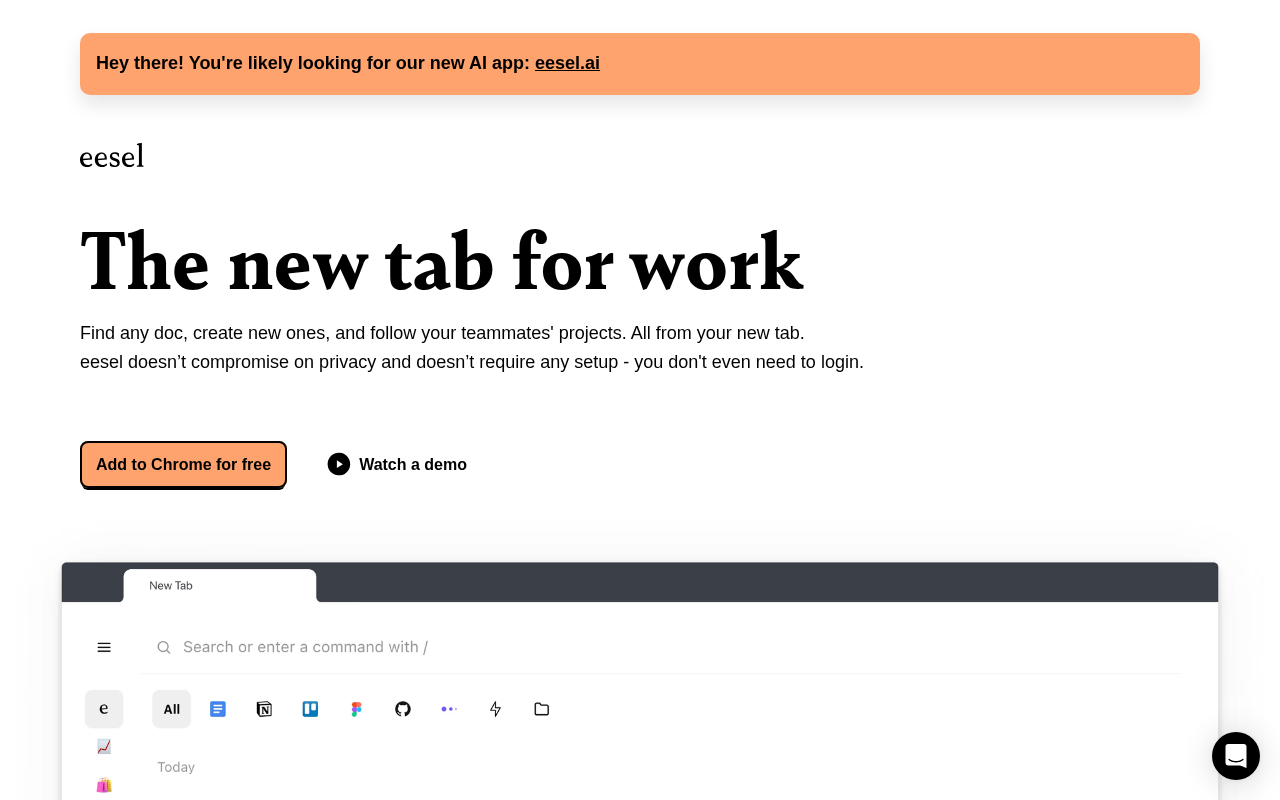
eesel filters your browser history to show the documents you need for work right in your new tab. See recent docs, filter by app or search by title or content. All in one place.
Website Preview
Click to view full size
About This Website
Introducing Eesel: The Smart New Tab
Eesel is a productivity tool designed to streamline your workflow by transforming your new tab into a smart, searchable workspace. It leverages AI to filter your browser history and surface the documents, links, and information you need for work, all in one place. Eesel aims to reduce time wasted searching for files and provide a focused environment for task management. It's cross platform compatible, as it is a browser extension.
Key Features
- AI-Powered Document Filtering: Eesel intelligently analyzes your browsing history to identify and display relevant documents based on your current tasks. It learns from your behavior to prioritize the most important files.
- Unified Search: Search across all your connected apps and browser history directly from your new tab. Find documents by title or content without needing to open multiple applications.
- App-Based Organization: Filter documents and links by application (e.g., Google Docs, Slack, Notion) to quickly access resources specific to a particular tool.
Pros & Cons
| Pros | Cons |
|---|---|
| ✓ Saves time by centralizing access to important documents. | ✗ Relies heavily on accurate browser history data. |
| ✓ Intuitive interface and easy setup. | ✗ May not be effective if browser history is frequently cleared. |
| ✓ Provides a distraction-free environment in the new tab. | ✗ Limited customization options for the new tab layout. |
| ✓ Unified search across multiple applications. | ✗ Potential privacy concerns with browser history access. |
Who is Using Eesel?
Eesel is commonly used by:
- Professionals: Individuals who frequently work with multiple documents and applications.
- Project Managers: To quickly access project-related files and communication threads.
- Researchers: To organize and retrieve research papers and online resources.
Creative Uses:
- Students: Using Eesel to organize research papers, lecture notes, and online resources for different courses.
- Freelancers: Managing multiple client projects by filtering documents and communications by client or project name.
Pricing
Eesel offers different tiered pricing plans to suit varying user needs. There is a free plan that has certain usage limitations. Paid plans generally offer enhanced features such as increased storage and priority support. It is worthwhile to check the Eesel website directly for the latest pricing information, as pricing is subject to change.
What Makes Eesel Unique?
Eesel's unique selling point is its seamless integration into the new tab, transforming it into a productivity hub. Unlike traditional task management tools, Eesel passively learns from your browsing patterns to surface relevant information without requiring manual input or predefined tasks. The AI document filtering and unified search capabilities are what make Eesel stand out.
How We Rated It
| Category | Score (1-5) |
|---|---|
| Accuracy and Reliability | 4 |
| Ease of Use | 5 |
| Functionality and Features | 4 |
| Performance and Speed | 4 |
| Customization and Flexibility | 3 |
| Data Privacy and Security | 3 |
| Support and Resources | 4 |
| Cost-Efficiency | 4 |
| Integration Capabilities | 4 |
| Overall Score | 4 |
Summary
Eesel is a standout AI-powered productivity tool for anyone seeking to minimize distractions and streamline access to work-related documents and links. It benefits professionals, project managers, and anyone who juggles multiple projects and needs a centralized workspace in their new tab. Its AI-powered document filtering and unified search offer a unique advantage for efficient task management and information retrieval.
Similar Tools
Discover, compare, and bookmark 5,000+ of the best AI tools for productivity, co...
Cardamon enables regulated financial firms to launch products 10X faster by auto...
Autoblocks AI helps teams build, test, and deploy reliable AI applications with ...
The Data Foundry for the Multi-Modal AI Era
Featured Links
Unlock back-tested predictive leading trading indicators on real-time charts. Tr...