
DataSnipper Review: Excel-Based Audit Automation for Finance Teams
FinanceDescription
DataSnipper is an Intelligent Automation Platform within Excel that boosts Audit and Finance teams' productivity. Used by over 500.000 finance professionals
Website Preview
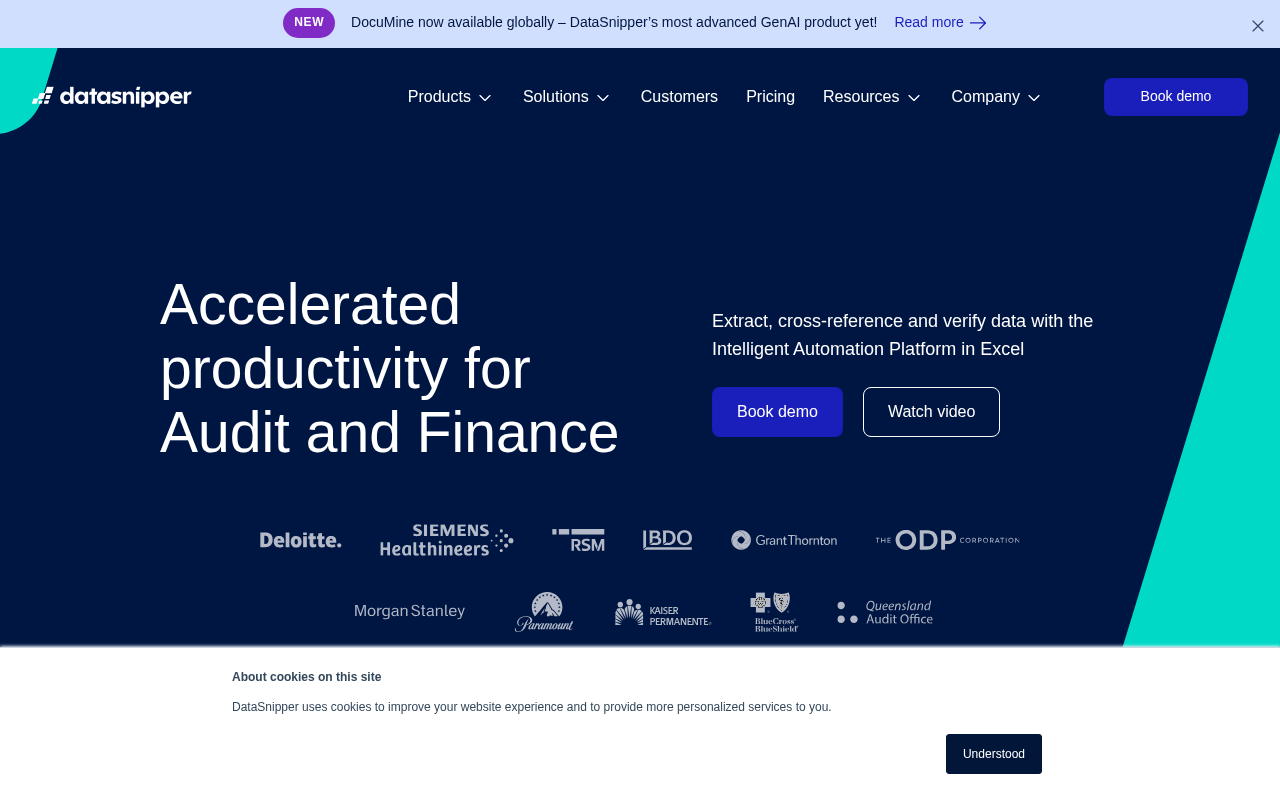
Click to view full size
About This Website
DataSnipper: Automating Audit & Finance Workflows in Excel
DataSnipper is an intelligent automation platform built directly into Excel, designed to significantly enhance the productivity of audit and finance teams. By leveraging AI, DataSnipper streamlines tedious and repetitive tasks, allowing professionals to focus on higher-value analysis and decision-making. It is used by over 500,000 finance professionals. Its cross-platform advantage lies in its seamless integration with Excel, eliminating the need for users to switch between different applications.
Key Features
- Document Matching and Extraction: DataSnipper intelligently identifies and matches data points across different documents, and automatically extracts relevant information into Excel. This eliminates manual data entry and reduces the risk of errors.
- Automated Testing Procedures: The platform provides tools to automate common audit testing procedures, such as vouching and reconciliation, saving significant time and effort.
- Smart Summarization: DataSnipper uses AI to summarize key findings from documents, highlighting important insights and trends. This allows auditors and finance professionals to quickly grasp the essence of complex datasets.
- Built-in Collaboration Tools: Team members can collaborate directly within DataSnipper, adding comments, tracking changes, and sharing insights in real-time.
Pros & Cons
| Pros | Cons |
|---|---|
| ✓ Seamless integration with Excel | ✗ Reliance on Excel for functionality |
| ✓ Significant time savings on repetitive tasks | ✗ Steeper learning curve for advanced features |
| ✓ Improved accuracy and reduced risk of manual errors | ✗ Potential limitations with complex documents |
| ✓ Enhanced collaboration among team members | ✗ Limited functionality outside of core features |
Who is Using DataSnipper?
DataSnipper is primarily used by:
- External Auditors: Streamlining audit procedures and improving efficiency.
- Internal Auditors: Monitoring compliance and identifying potential risks.
- Corporate Finance Teams: Automating financial reporting and analysis.
- Accounting Professionals: Improving efficiency in general accounting tasks.
Creative use cases include forensic accountants using DataSnipper to analyze large datasets for fraud detection and consultants leveraging it for data-driven decision-making.
Pricing
DataSnipper offers various pricing plans that are tailored to the size and needs of different organizations. These plans typically include user licenses, support, and access to new features and updates. Contact DataSnipper for specific pricing details based on your requirements. Disclaimer: Pricing may vary and should be confirmed directly with DataSnipper.
What Makes DataSnipper Unique?
DataSnipper's unique selling proposition is its seamless integration with Excel. By embedding powerful AI-driven automation tools directly within the familiar Excel environment, DataSnipper eliminates the need for users to learn and adapt to entirely new software platforms. This reduces the learning curve, making it easier for audit and finance professionals to adopt and leverage the platform's capabilities.
How We Rated It
| Category | Rating (1-5) |
|---|---|
| Accuracy and Reliability | 4.5 |
| Ease of Use | 4 |
| Functionality and Features | 4.5 |
| Performance and Speed | 4 |
| Customization and Flexibility | 3.5 |
| Data Privacy and Security | 4 |
| Support and Resources | 4 |
| Cost-Efficiency | 4 |
| Integration Capabilities | 5 |
| Overall Score | 4.1 |
Summary
DataSnipper is a standout AI tool that dramatically improves efficiency and accuracy for audit and finance teams. Its tight integration with Excel, powerful automation features, and collaboration tools make it an excellent choice for professionals looking to streamline their workflows and focus on higher-value activities. Those who benefit most are auditors, accountants, and finance professionals seeking to reduce manual effort and improve data-driven decision-making within the Excel environment.
Similar Tools
BforeAI’s predictive security solutions block cyberthreats and malicious...
Increase sales efficiency by up to 65% with Xaverâs AI-driven platform, emp...
Automate reconciliation, ensure compliance, and scale ops with Simetrik. Simplif...
Featured Links
Unlock back-tested predictive leading trading indicators on real-time charts. Tr...