
Cutout.Pro Review: AI-Powered Visual Content Creation
Design GeneratorsDescription
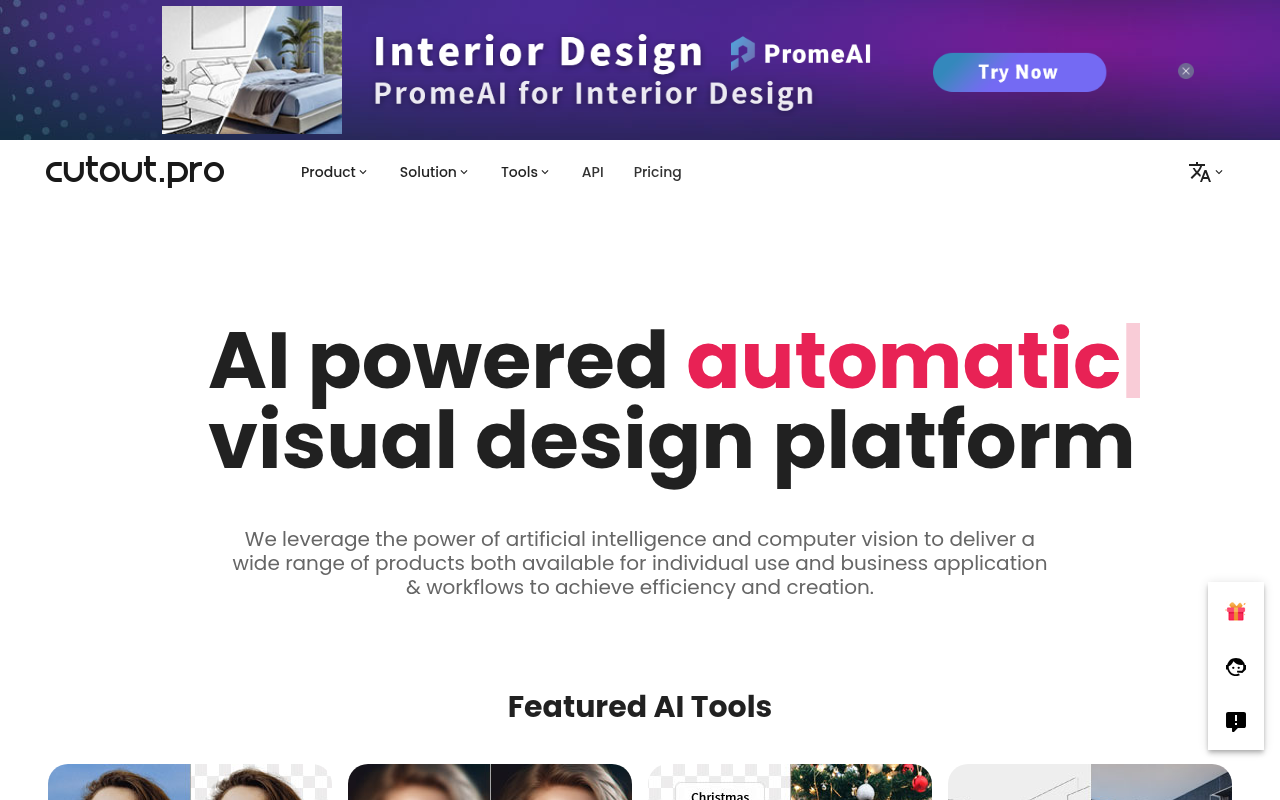
All-in-one visual design platform containing AI photo and video editing tools. Automatic process for background remove, image restoration, graphic design, and content generation. With Cutout.Pro, it is one click away to optimize your content and transform your design ideas into special asset effectively.
Website Preview
Click to view full size
About This Website
What is Cutout.Pro?
Cutout.Pro is an all-in-one visual design platform that harnesses the power of AI to simplify photo and video editing. It's designed for users who need to quickly and efficiently remove backgrounds, restore images, create graphics, and generate visual content. This versatile tool aims to democratize professional-grade editing, making it accessible to individuals and businesses regardless of their design experience. Cutout.Pro is accessible through web browsers, offering cross-platform convenience.
Key Features
-
AI Background Removal: This feature automatically detects and removes backgrounds from images with impressive accuracy, allowing for clean cutouts and easy object isolation.
-
Image Restoration: Leveraging AI algorithms, Cutout.Pro can restore old, blurry, or damaged photos, breathing new life into cherished memories.
-
Graphic Design Tools: Offers a range of tools to create visually appealing graphics, including templates, text overlays, and shape manipulation.
-
AI Photo Enhancer: Automatically improve the quality of photos, enhancing details and clarity of picture.
Pros & Cons
| Pros | Cons |
|---|---|
| ✓ User-friendly interface suitable for beginners. | ✗ Reliance on internet connectivity for processing. |
| ✓ Wide range of AI-powered features consolidated in one platform. | ✗ Advanced customization options may be limited for pro users |
| ✓ Time-saving automation of complex editing tasks. | ✗ Free tier limitations may restrict usage for some users. |
| ✓ Cross-platform accessibility through web browsers. | |
| ✓ Affordable pricing options for various needs. |
Who is Using Cutout.Pro?
Cutout.Pro caters to a diverse range of users, including:
- E-commerce Businesses: Streamlining product photo editing for online stores.
- Social Media Managers: Creating eye-catching content for various platforms.
- Photographers: Quickly removing backgrounds and touching up portraits.
- Graphic Designers: Supplementing their workflow with AI-powered automation.
- Individuals: Restoring old photos or creating fun graphics for personal use.
Uncommon yet creative use cases could include researchers using automated background removal to analyze image datasets, or educators creating engaging visual aids for online learning.
Pricing
Cutout.Pro offers a tiered pricing structure, typically including a free tier with limited features and usage. Paid plans usually offer increased processing capacity, access to premium features, and removal of watermarks. They operate on a credit based system, prices may vary depending on plan. Please note that pricing may change, so it's best to consult the Cutout.Pro website for the most up-to-date information.
What Makes Cutout.Pro Unique?
Cutout.Pro stands out due to its comprehensive suite of AI-powered tools within a single, user-friendly platform. The seamless integration of background removal, image restoration, and graphic design capabilities makes it a one-stop shop for visual content creation. This all-in-one approach saves users time and effort compared to using multiple specialized tools.
How We Rated It
| Category | Rating (1-5) |
|---|---|
| Accuracy and Reliability | 4 |
| Ease of Use | 5 |
| Functionality and Features | 4 |
| Performance and Speed | 4 |
| Customization and Flexibility | 3 |
| Data Privacy and Security | 4 |
| Support and Resources | 4 |
| Cost-Efficiency | 4 |
| Integration Capabilities | 3 |
| Overall Score | 4 |
Summary
Cutout.Pro is a valuable AI tool for anyone seeking to simplify and accelerate their visual content creation process. It particularly benefits e-commerce businesses, social media managers, and individuals who need to quickly edit photos, remove backgrounds, restore images, or create graphics. Its user-friendly interface and comprehensive feature set make it a standout AI tool in the image and video design category.
Similar Tools
Generate beautiful custom isometric skeuomorphic icons inspired by Airbnb's new ...
EditAI helps teachers create engaging, problem-based learning (PBL) content alig...
Share your designs with your clients and your team to get feedback on websites, ...
Get access to a library of the highest quality 3D content and create virtual wo...
Featured Links
Unlock back-tested predictive leading trading indicators on real-time charts. Tr...