
Canva AI Review: Design Made Easy for Everyone
MarketingDescription
Website Preview
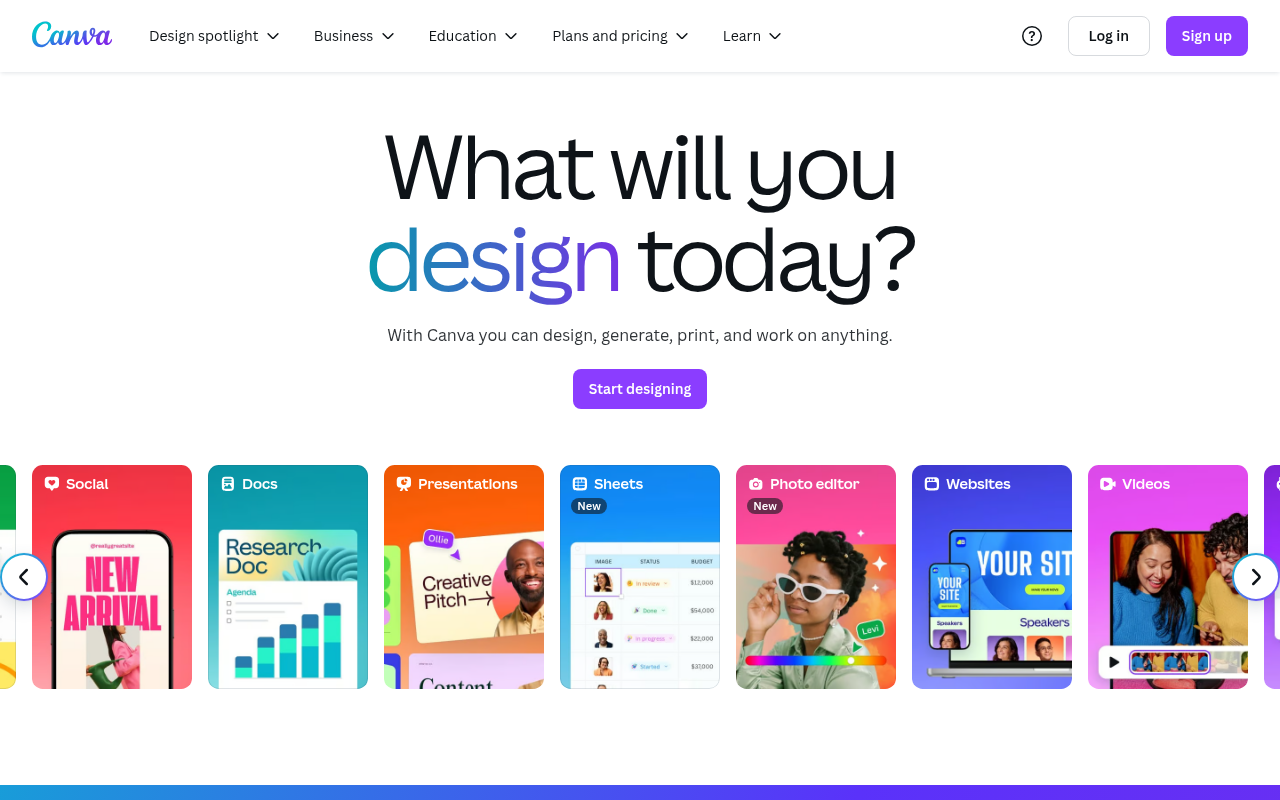
Click to view full size
About This Website
What is Canva?
Canva is a user-friendly, AI-powered online design platform that aims to empower anyone to create professional-looking graphics, presentations, videos, and more. Its purpose is to democratize design, making it accessible to individuals and teams, regardless of their design experience. Driven by AI, Canva offers features like Magic Write, Magic Edit, and AI-powered presentation tools, streamlining the design process and offering creative assistance. It caters to a broad spectrum of users, from students and educators to social media managers, marketers, and small business owners. Canva provides cross-platform advantages through its web-based application, desktop apps (Windows and macOS), and mobile apps (iOS and Android), ensuring design capabilities are always at your fingertips.
Key Features
- Drag-and-Drop Interface: Canva's intuitive interface makes it easy to create designs by simply dragging and dropping elements, images, and text. This allows even beginners to quickly produce visually appealing content.
- Extensive Template Library: Canva boasts a vast collection of professionally designed templates for various purposes, including social media posts, presentations, posters, and brochures. This saves users time and provides inspiration for their projects.
- AI-Powered Design Tools: Canva's AI tools, such as Magic Write (for generating text content) and Magic Edit (for manipulating images), offer intelligent assistance that enhances the design process and boosts creativity.
- Brand Kit: This feature allows users to create and store their brand's visual identity elements (logos, colors, fonts) in Canva, ensuring consistent branding across all designs.
- Collaboration Features: Canva facilitates teamwork by allowing multiple users to collaborate on designs in real-time, making it ideal for remote teams and group projects.
Pros & Cons
| Pros | Cons |
|---|---|
| ✓ User-friendly interface suitable for beginners. | ✗ Limited advanced design capabilities compared to professional software. |
| ✓ Large library of templates and design elements. | ✗ Some premium features require a paid subscription. |
| ✓ AI-powered tools streamline design processes. | ✗ Can be slow with large or complex projects. |
| ✓ Cross-platform accessibility. | ✗ Reliance on internet connectivity. |
| ✓ Excellent collaboration features. |
Who is Using Canva?
Canva is used by a wide range of individuals and organizations. Typical users include:
-
Social media managers creating engaging content.
-
Small business owners designing marketing materials.
-
Educators creating presentations and teaching resources.
-
Students working on school projects. Beyond these common uses, Canva is also utilized in more creative ways, such as:
-
Non-profit organizations creating visually appealing reports and campaigns.
-
Individuals designing personalized invitations and greeting cards.
-
DIY enthusiasts creating custom home decor prints.
Pricing
Canva offers a tiered pricing structure:
- Free: Provides access to a large selection of templates and design tools but with limited features and storage.
- Canva Pro: Unlocks all premium features, including access to a vast library of photos and elements, brand kit functionality, and advanced collaboration tools.
- Canva for Teams: Designed for larger organizations, offering enhanced collaboration features, team management tools, and greater control over brand assets. Pricing may vary. Please check the Canva website for the most current pricing details.
What Makes Canva Unique?
Canva's unique selling point lies in its combination of user-friendliness and powerful AI-assisted design capabilities. Unlike more complex design software, Canva makes design accessible to everyone, regardless of their skill level. The integration of AI tools like Magic Write and Magic Edit sets it apart, offering intelligent assistance to users and streamlining the creative process. Furthermore, Canva's extensive template library and emphasis on collaboration make it an ideal tool for both individual projects and team-based design workflows.
How We Rated It
| Category | Score (1-5) |
|---|---|
| Accuracy and Reliability | 4 |
| Ease of Use | 5 |
| Functionality and Features | 4.5 |
| Performance and Speed | 4 |
| Customization and Flexibility | 4 |
| Data Privacy and Security | 4 |
| Support and Resources | 4.5 |
| Cost-Efficiency | 5 |
| Integration Capabilities | 4 |
| Overall Score | 4.3 |
Summary
Canva is a standout AI-powered design tool that benefits anyone looking to create visually appealing content quickly and easily. Its intuitive interface, vast template library, and intelligent AI features make it a perfect fit for social media managers, small business owners, educators, and students alike. While professional designers may find it lacking some advanced features, Canva's accessibility and collaborative capabilities make it a valuable asset for a wide range of users.
Similar Tools
The Chosen AI Headshot Generator for realistic professional AI headshots in 4k q...
WorldPress is a platform that simplifies the process of creating and distributin...
Starbuzz is an influencer marketing platform that enables brands to save 50% of ...
Discover Charlie Lounge: Your all-in-one AI platform to automate tasks, boost bu...
Featured Links
Unlock back-tested predictive leading trading indicators on real-time charts. Tr...