
AutoDraw: AI-Powered Drawing Made Easy
Design GeneratorsDescription
Fast drawing for everyone. AutoDraw pairs machine learning with drawings from talented artists to help you draw stuff fast.
Website Preview
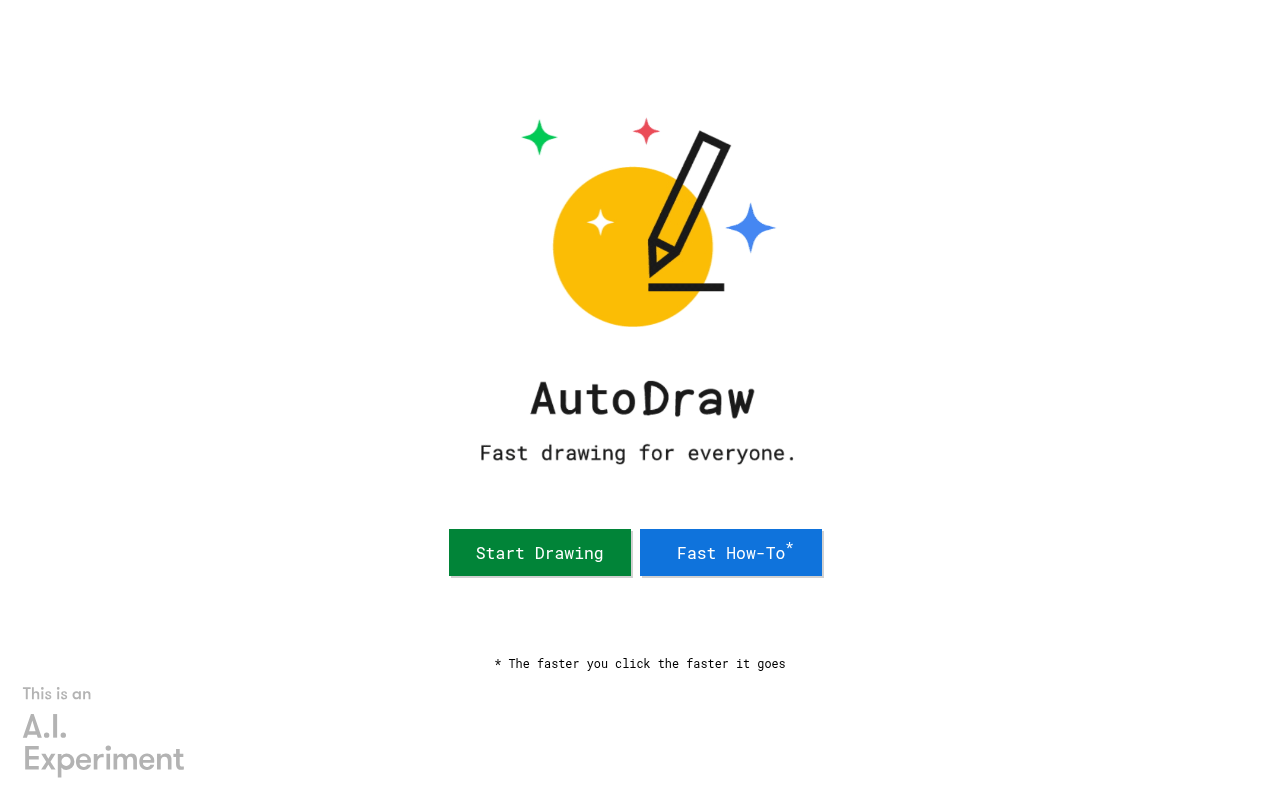
Click to view full size
About This Website
What is AutoDraw?
AutoDraw is a free, web-based drawing tool that uses artificial intelligence to help anyone create visual content quickly and easily. Designed for users of all skill levels, it combines the simplicity of drawing with the power of machine learning to transform rough sketches into polished illustrations. Whether you're brainstorming ideas, creating presentations, or just doodling for fun, AutoDraw offers a user-friendly platform accessible on any device with a web browser. Its cross-platform advantage removes barriers, allowing creative expression anytime, anywhere.
Key Features
- AI-Powered Suggestion Tool: The core of AutoDraw is its intelligent suggestion tool. As you sketch, the AI anticipates what you're trying to draw and offers a selection of pre-made illustrations that match your intent. This greatly speeds up the drawing process and provides professional-looking results, even for those with limited artistic skills.
- Drawing Tools: AutoDraw provides standard drawing tools like freehand drawing, fill, text insertion, and shape tools. This allows users to refine their drawings and add details to the AI-suggested artwork. You can easily customize colors, sizes, and positions of elements within your artwork.
- Shareable Creations: You can easily download your AutoDraw creations as PNG files. This makes sharing artwork on social media, inserting them into documents, or using them in presentations simple an straightforward.
Pros & Cons
| Pros | Cons |
|---|---|
| ✓ Free to use | ✗ Requires an internet connection |
| ✓ Easy to learn and use for all skill levels | ✗ Limited advanced editing features |
| ✓ AI-powered suggestions speed up the drawing process | ✗ Relies on the accuracy of AI suggestions, which can sometimes be inaccurate |
| ✓ Cross-platform compatibility (works on any web browser) | ✗ Limited number of pre-made illustrations available for suggestions |
| ✓ Downloadable creations for easy sharing and integration |
Who is Using AutoDraw?
AutoDraw caters to a broad audience:
- Students and Teachers: For creating visual aids for presentations or completing assignments.
- Business Professionals: For quickly sketching ideas, creating simple diagrams, or adding visual elements to presentations.
- Designers: For rapid prototyping and brainstorming visual concepts.
- Casual Users: For doodling, creating greeting cards, or just having fun.
A less common, yet creative, use case is using AutoDraw as a collaborative visual communication tool. Teams can simultaneously contribute to a drawing during brainstorming sessions, facilitating a dynamic and engaging discussion.
Pricing
AutoDraw is completely free to use. There are no hidden costs, subscriptions, or limitations on usage.
Disclaimer: Pricing may change. Always refer to the official AutoDraw website for the most up-to-date pricing information.
What Makes AutoDraw Unique?
AutoDraw's unique selling point is its seamless integration of AI with a simple drawing interface. Unlike traditional drawing software that requires technical skills and artistic talent, AutoDraw bridges the gap by offering intelligent assistance that transforms anyone's sketches into professional-looking visuals. The focus on speed and accessibility sets it apart, making it an ideal tool for rapid prototyping, brainstorming, and quick visual communication.
How We Rated It
| Category | Rating (out of 5) |
|---|---|
| Accuracy and Reliability | 4 |
| Ease of Use | 5 |
| Functionality and Features | 3 |
| Performance and Speed | 5 |
| Customization and Flexibility | 3 |
| Data Privacy and Security | 4 |
| Support and Resources | 3 |
| Cost-Efficiency | 5 |
| Integration Capabilities | 3 |
| Overall Score | 4 |
Summary
AutoDraw is a standout AI-powered drawing tool that democratizes visual creation. Its intuitive interface and AI assistance empower users of all skill levels to quickly generate professional-looking illustrations. It particularly benefits students, educators, business professionals, and anyone seeking a fast and easy way to visualize their ideas. If you need to create quick visuals without complex software or specialized skills, AutoDraw is an excellent choice.
Similar Tools
Generate beautiful custom isometric skeuomorphic icons inspired by Airbnb's new ...
EditAI helps teachers create engaging, problem-based learning (PBL) content alig...
Share your designs with your clients and your team to get feedback on websites, ...
Get access to a library of the highest quality 3D content and create virtual wo...
Featured Links
Unlock back-tested predictive leading trading indicators on real-time charts. Tr...