
Airtable Review: The AI-Powered Low-Code App Builder
Project ManagementDescription
Airtable is a low‒code platform to build next‒gen apps. Move beyond rigid tools, operationalize your critical data, and reimagine workflows with AI.
Website Preview
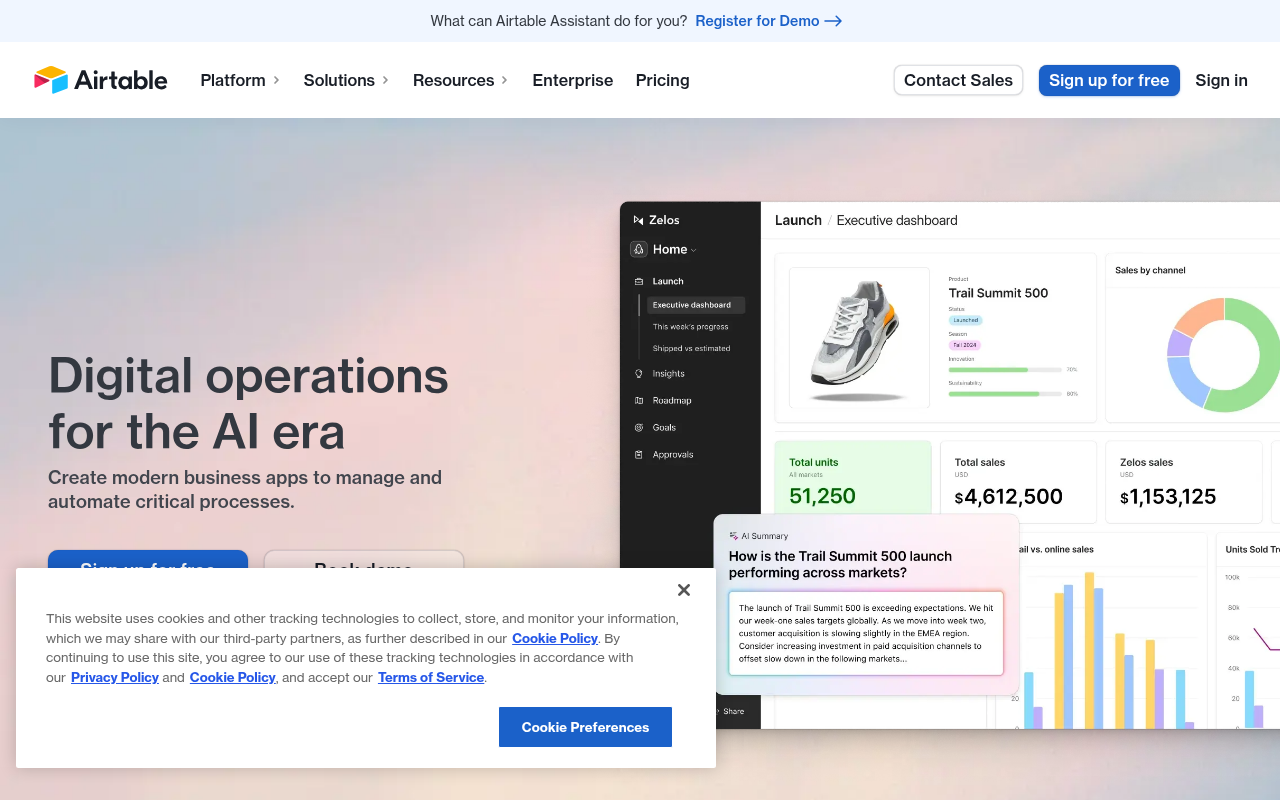
Click to view full size
About This Website
What is Airtable?
Airtable is a low-code platform that empowers users to build custom applications without extensive coding knowledge. It essentially combines the flexibility of a spreadsheet with the power of a database. With AI capabilities integrated into its workflows, Airtable aims to streamline processes, operationalize data effectively, and reinvent how teams work. It's designed for anyone frustrated with rigid, off-the-shelf software and looking for a more tailored solution. Airtable's accessible through web browsers and dedicated mobile apps, making it a truly cross-platform productivity tool.
Key Features
-
Customizable Database Creation: Airtable allows users to build databases with a variety of field types, including text, numbers, dates, attachments, and even links to other records. This enables robust data organization and management tailored to specific needs.
-
AI-Powered Automation: Automations in Airtable can be triggered by changes in your data and execute actions in other apps. The integrated AI also assist with tasks such as summarizing records, generating content, and more, freeing up time for more strategic work.
-
Collaborative Workspaces: Airtable excels in facilitating team collaboration. Multiple users can simultaneously access and edit databases, with real-time updates and commenting features ensuring seamless communication. Granular permission controls further enhance collaborative security.
-
Pre-Built Templates: To help kickstart projects, Airtable offers a library of pre-built templates for various use cases, ranging from project management and content calendars to CRM and event planning. These templates can be customized to fit specific requirements.
Pros & Cons
| Pros | Cons |
|---|---|
| ✓ Highly Customizable to fit different workflows | ✗ Can become complex with extremely large datasets |
| ✓ User-Friendly interface | ✗ Pricing can be prohibitive for small teams with advanced features |
| ✓ Excellent Collaboration features | ✗ Learning curve for advanced features (automations, scripting) |
| ✓ Wide range of integrations with other apps |
Who is Using Airtable?
Airtable is used by a diverse range of individuals and teams across various industries. Typical users include:
- Project Managers: To track tasks, deadlines, and resources effectively.
- Marketing Teams: For managing content calendars, campaigns, and analytics.
- Startups: As a central hub for organizing customer data, sales pipelines, and operational workflows.
- Small Businesses: To streamline inventory management, customer relationships, and accounting tasks.
Less common, but equally powerful, use cases include:
- Researchers: For organizing and analyzing data sets.
- Non-profits: To manage donor information, volunteer schedules, and program outcomes.
- Event Planners: To coordinate logistics, track attendees, and manage vendors.
Pricing
Airtable offers a tiered pricing structure, typically including a free plan with limited features and paid plans with increased functionality, storage, and team size. Paid plans unlock features such as higher automation limits, dedicated customer support, and advanced security settings.
- Free: limited features, great for personal use.
- Team: basic features, suitable for small teams.
- Business: advanced features such as more storage and automations available.
- Enterprise: Custom pricing with enterprise-grade security and support.
Disclaimer: Pricing may change, please refer to Airtable's official website for the most up-to-date information.
What Makes Airtable Unique?
What sets Airtable apart is its combination of database power with spreadsheet-like ease of use. It’s far more flexible than traditional spreadsheets, offering relational capabilities and rich field types, while remaining more accessible than complex database management systems. The recent addition of AI-powered features also elevates Airtable beyond a simple organization tool, making it a smart platform that can automate tasks and unlock data-driven insights.
How We Rated It
| Category | Rating (1-5) |
|---|---|
| Accuracy and Reliability | 4 |
| Ease of Use | 4 |
| Functionality and Features | 5 |
| Performance and Speed | 4 |
| Customization and Flexibility | 5 |
| Data Privacy and Security | 4 |
| Support and Resources | 4 |
| Cost-Efficiency | 3 |
| Integration Capabilities | 4 |
| Overall Score | 4.1 |
Summary
Airtable is a standout AI-powered low-code app builder that caters to individuals and teams seeking a flexible and customizable solution for data management and workflow automation. Its intuitive interface, collaborative features, and AI capabilities make it a powerful tool for anyone looking to move beyond the limitations of traditional spreadsheets and rigid software applications. Small businesses, marketing teams, and project managers will find particular value in Airtable's versatility and ability to streamline complex processes.
Similar Tools
Discover, compare, and bookmark 5,000+ of the best AI tools for productivity, co...
Cardamon enables regulated financial firms to launch products 10X faster by auto...
Autoblocks AI helps teams build, test, and deploy reliable AI applications with ...
The Data Foundry for the Multi-Modal AI Era
Featured Links
Unlock back-tested predictive leading trading indicators on real-time charts. Tr...