
Adobe Podcast Review: AI-Powered Audio Recording and Editing
TranscriberDescription
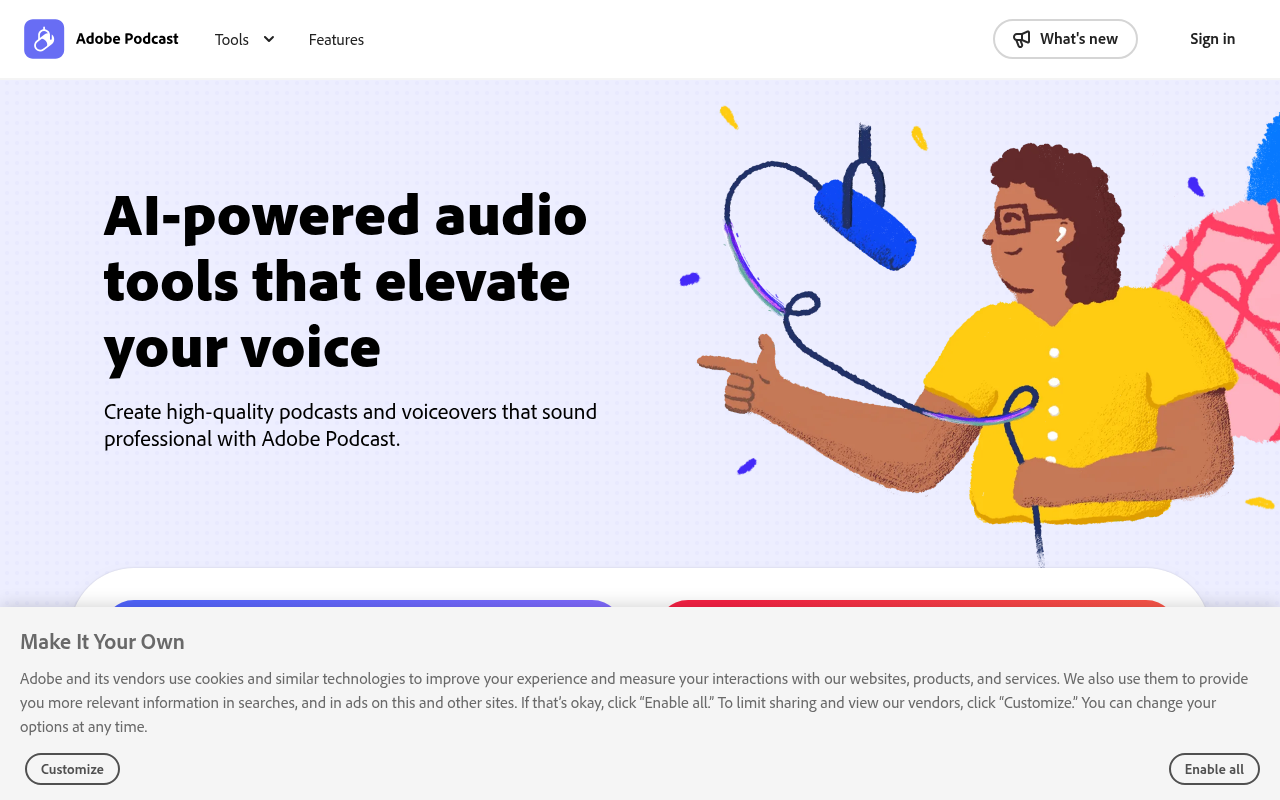
Next generation audio from Adobe is here. Record, transcribe, edit, share. Crisp and clear, every time.
Website Preview
Click to view full size
About This Website
Adobe Podcast: AI Audio Magic in Your Browser
Adobe Podcast is an innovative, web-based tool from Adobe designed to simplify and enhance audio recording and editing. Its core purpose is to provide users with professional-quality audio results without the need for complex software or extensive technical expertise. Leveraging the power of AI, Adobe Podcast caters to podcasters, content creators, journalists, educators, and anyone who needs clear, crisp audio for their projects. A key advantage is its accessibility across different platforms through a web browser, removing device limitations.
Key Features
- AI-Powered Noise Reduction ("Enhance Speech"): This is arguably Adobe Podcast's standout feature. It uses advanced AI algorithms to automatically remove background noise, eliminate echoes, and improve the overall clarity of recorded speech. This drastically reduces the need for manual audio cleanup.
- Transcription: Adobe Podcast automatically transcribes your audio recordings into text. This feature is incredibly useful for creating show notes, captions, or repurposing content into written form. The transcriptions are generally accurate and save significant time.
- Web-Based Recording & Editing: You can record audio directly within your web browser, eliminating the need for external recording software. The intuitive editing interface allows you to trim, arrange, and refine your audio easily.
- Collaboration: Share projects seamlessly with other users for collaborative editing and review.
Pros and Cons
| Pros | Cons |
|---|---|
| ✓ Exceptional AI-powered noise reduction. | ✗ Limited advanced editing features compared to desktop DAWs. |
| ✓ Automatic transcription saves time and effort. | ✗ Relies on a stable internet connection for optimal performance. |
| ✓ User-friendly web interface is easy to learn. | ✗ The transcription feature, while generally good, isn't flawless. |
| ✓ Collaboration features streamline teamwork. |
Who is Using Adobe Podcast?
While primarily aimed at podcasters, Adobe Podcast has a surprisingly wide range of users. Obvious users include:
- Podcasters: For recording and cleaning up interviews and solo episodes.
- Content Creators (YouTube, TikTok, etc.): To improve audio quality in video content.
- Journalists: For quick audio editing in the field.
Less common, but equally valuable use cases include:
- Educators: For recording lectures or providing audio feedback to students.
- Businesses: For creating internal training materials or marketing audio.
- Authors: For recording audiobook chapters or podcast-style content.
Pricing
Adobe Podcast offers a free plan with limited features. A premium subscription unlocks enhanced functionalities, including longer recording times, higher-quality output, and access to all editing features. Specific pricing details can be found on the Adobe Podcast website. Disclaimer: Pricing is subject to change.
What Makes Adobe Podcast Unique?
The combination of powerful AI-driven audio enhancement, a simple web interface, and transcription features truly sets Adobe Podcast apart. It democratizes professional-quality audio editing by making it accessible to users of all skill levels, regardless of their hardware. Its "Enhance Speech" feature is notably exceptional compared to similar offerings.
How We Rated It
| Category | Rating (1-5) |
|---|---|
| Accuracy and Reliability | 4 |
| Ease of Use | 5 |
| Functionality and Features | 4 |
| Performance and Speed | 4 |
| Customization and Flexibility | 3 |
| Data Privacy and Security | 4 |
| Support and Resources | 4 |
| Cost-Efficiency | 4 |
| Integration Capabilities | 3 |
| Overall Score | 4 |
Summary
Adobe Podcast is a standout AI-powered tool that simplifies the audio recording and editing process. It benefits podcasters, content creators, and anyone needing high-quality audio without the steep learning curve of professional software. Its unique AI enhancement capabilities and web-based accessibility make it a compelling option for both beginners and experienced audio editors.
Similar Tools
Rev is the top voice platform for precise transcription, secure recording, and t...
Turn hours of note taking into seconds. Record voice notes, and let the AI trans...
Where care happens. Build your dream practice with an innovative, all-in-one EHR...
Flow makes writing quick and clear with seamless voice dictation. It is the fast...
Featured Links
Unlock back-tested predictive leading trading indicators on real-time charts. Tr...